Build · Curate · Launch
Launch your
directory idea,
without the hassle.
Ready-to-use templates, AI-powered ingestion and a step-by-step guide to go from a list of URLs to a live directory in a weekend.
Ready-to-use templates
Start from a design that already works as a directory. Grid with screenshots, categories, search, submission form, legal pages, RSS and sitemap.
Add your URLs
Drop a list of websites and let the AI handle the rest. Screenshots, titles, descriptions, categories and tags, dead links checked every week.
Launch and grow
A push puts it online on any static host. Edit a card from the admin, re-scan anytime, follow the PDF guide from niche to launch.
Real examples
Built with DirKit
Different niches. Same result, faster. Six directories, 870+ entries, one week.
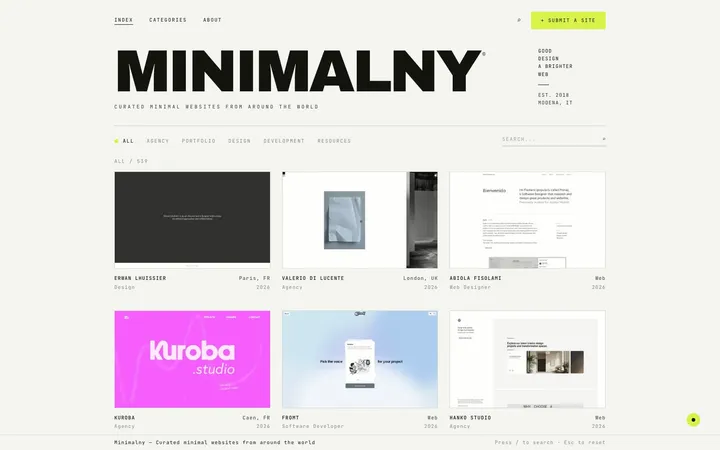 minimalny.comA curated gallery of minimalist websites: agencies, portfolios, design and development.520 entries
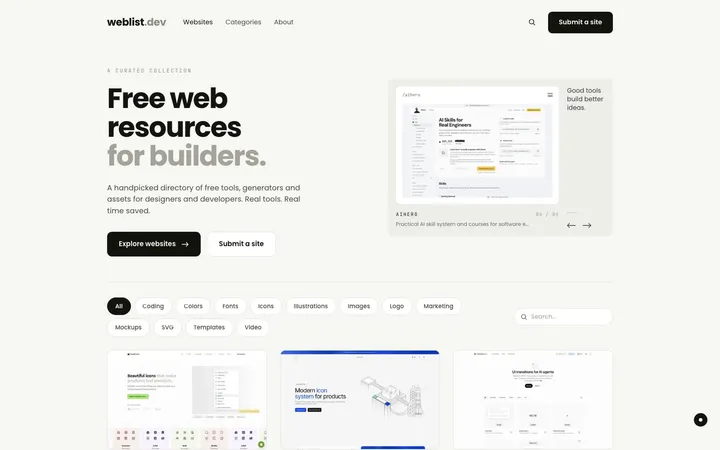 weblist.devA hand-picked list of tools and resources for people who build for the web.63 entries
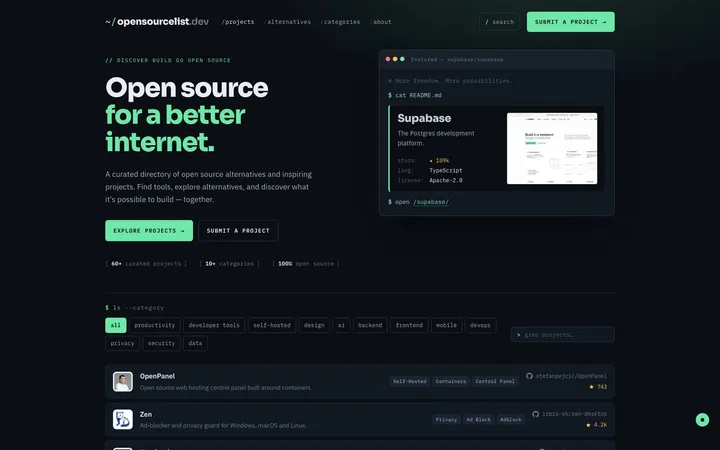 opensourcelist.devA curated list of open source software: OSI-licensed projects you can self-host and build on.69 entries
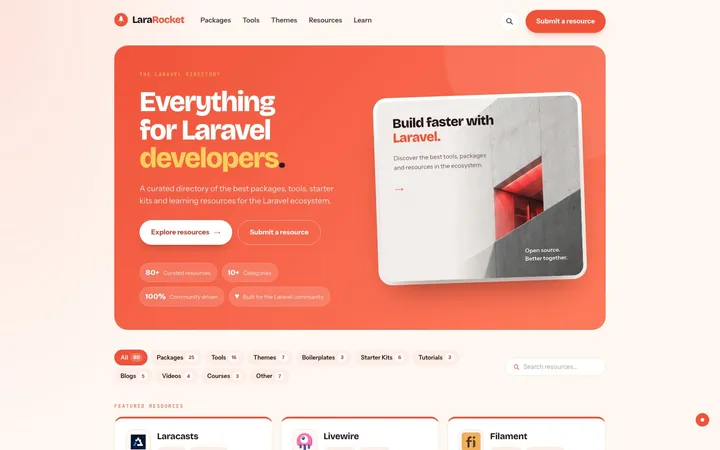 lararocket.comA curated directory of packages, tools, starter kits and courses for Laravel developers.78 entries
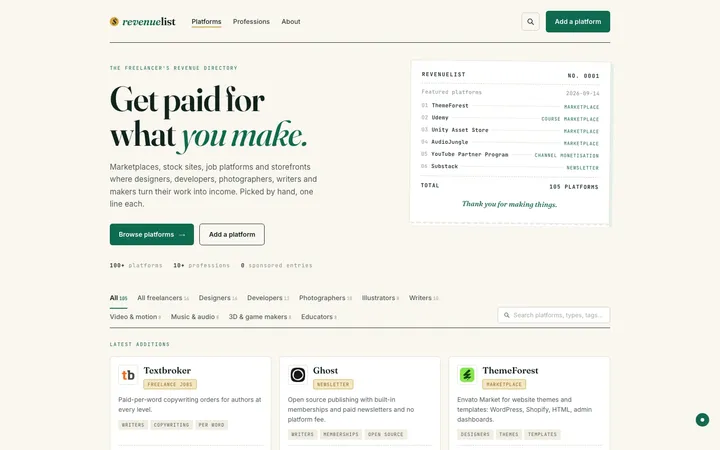 revenuelist.comA curated directory of the platforms where freelancers sell their work and digital products.103 entries
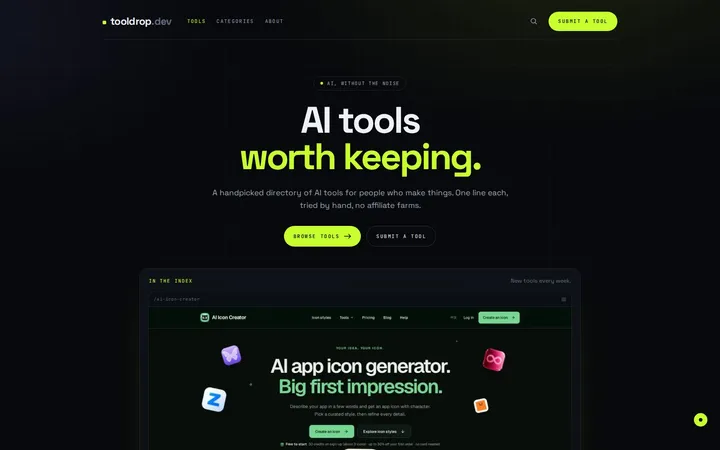 tooldrop.devA hand-picked directory of AI tools for people who make things: image, video, writing, code and more.45 entries
How it works
From idea to live in three steps
- 1
Pick a niche and a template
A topic you know well and a look that fits it. One config file, one afternoon.
- 2
Paste the URLs, let the AI work
One command per batch. Screenshots, descriptions and categories land in a folder you review in a visual editor.
- 3
Push, it deploys
Git is the database. A push builds the site and puts it online. Editing a card from the admin publishes it.
FAQ
Questions, answered
Do I need to know how to code?
You need to be comfortable with a terminal and Git at a basic level. The guide covers every command. Templates are plain HTML and CSS if you want to change them.
How much does the AI cost?
About a tenth of a cent per site through OpenRouter, with your own key. A 200-entry directory costs less than a coffee.
Where does it run?
Anywhere that serves static files. The six directories run on a small VPS with Docker. Netlify, Cloudflare Pages and GitHub Pages work too.
What is in the box?
The DirKit framework (Astro + Keystatic, static output, no database), six templates, the AI tools, the deploy workflow and the guide as PDF. You pay once, you get updates.